- One Create menu
- Start Dictate, Note, Meeting or Conversation from a compact Home card. Try Notewll opens the local editor.
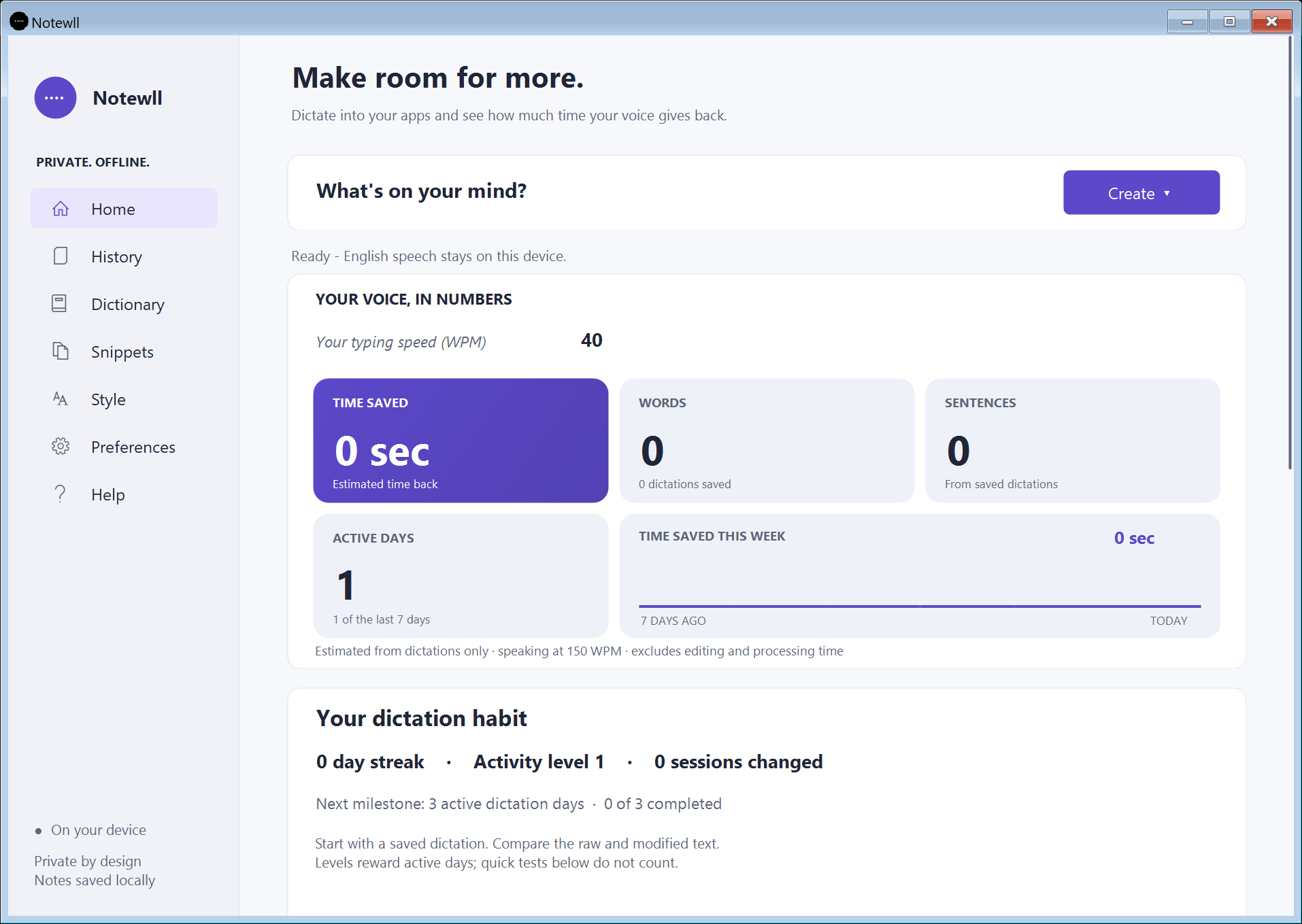
- Analytics, always visible
- See estimated time saved, words, sentences, active days and the weekly savings chart without expanding a section.
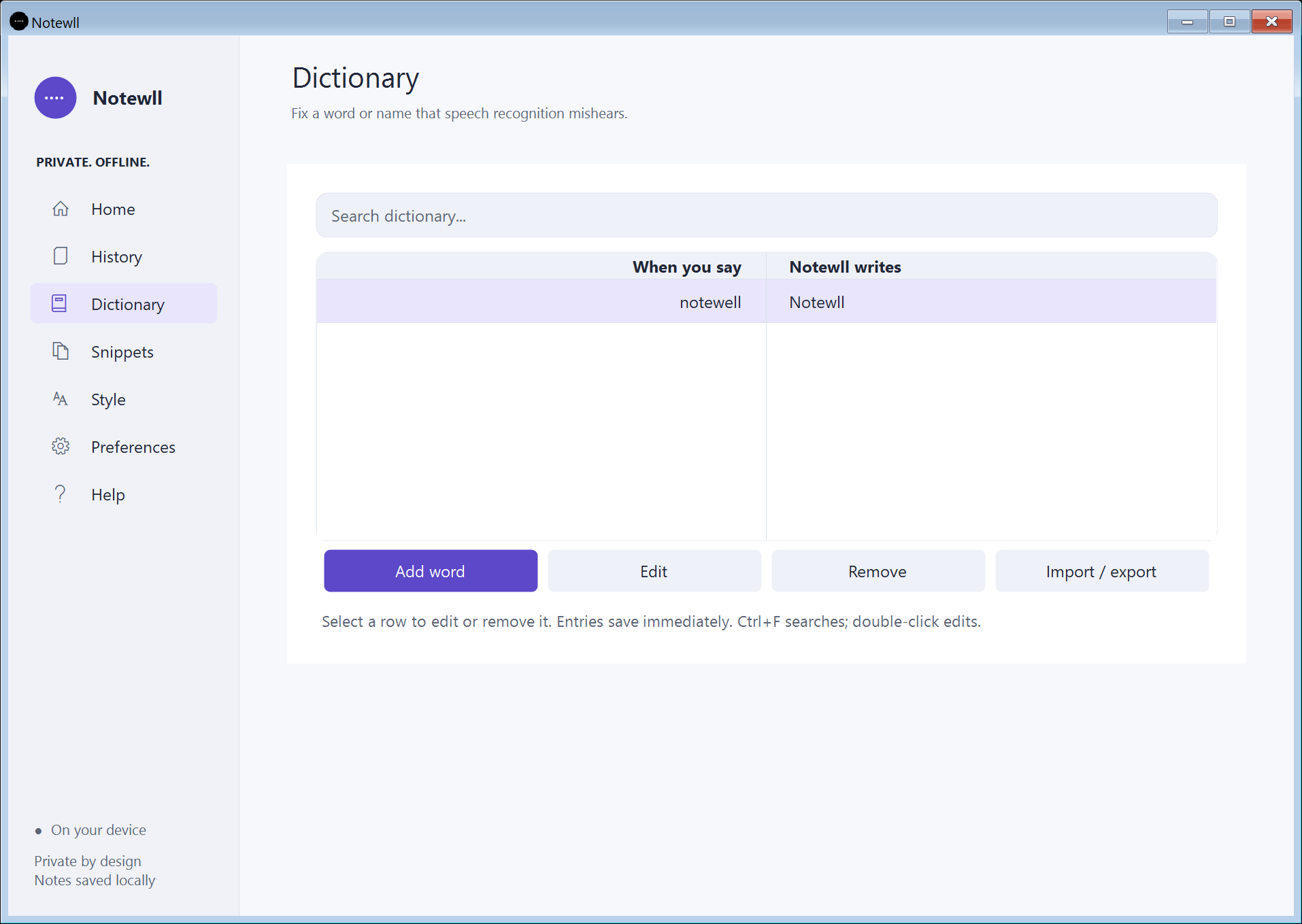
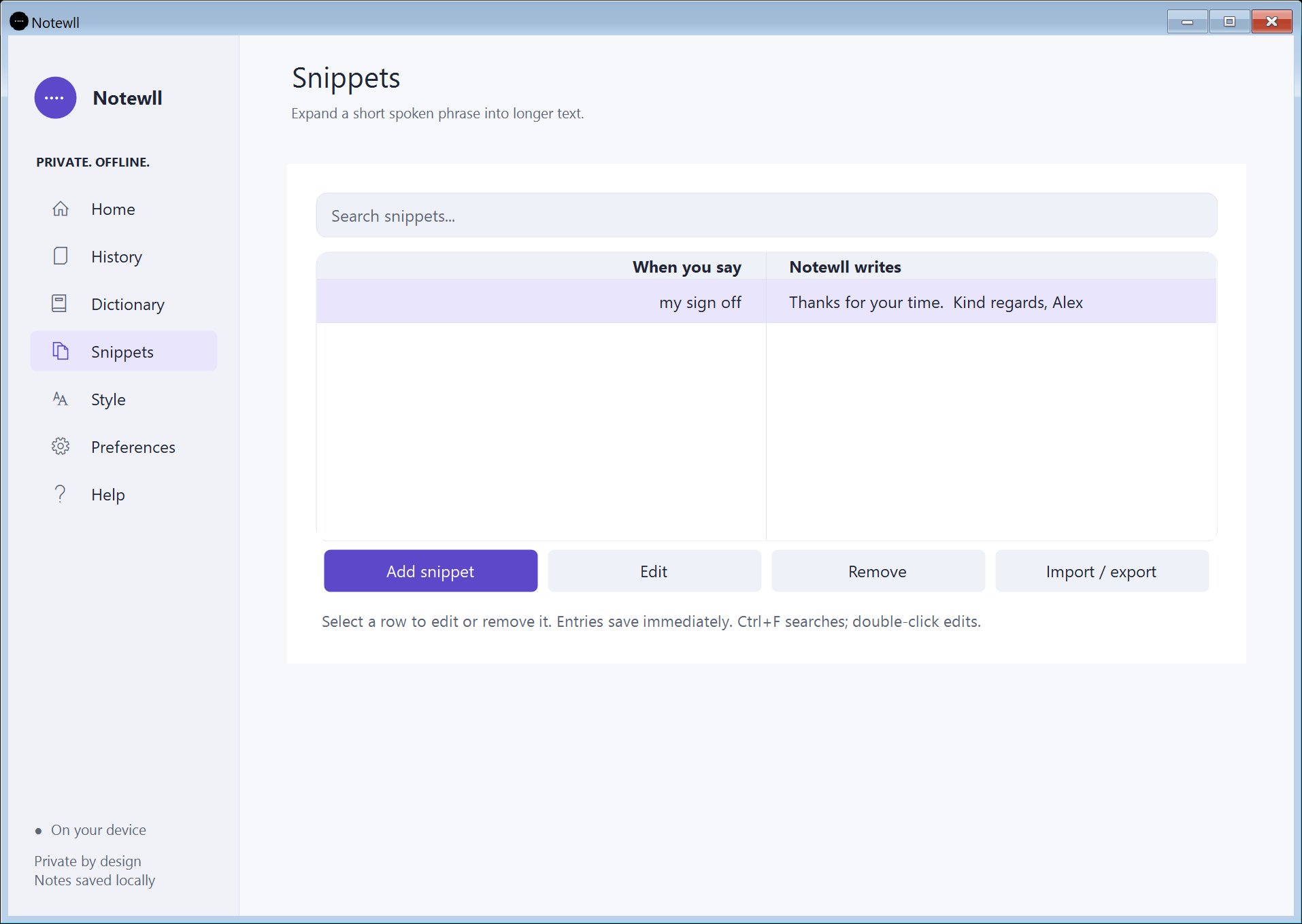
- Clear words and snippets
- Search inside centered fields, select rows in aligned two-column tables and save edits immediately. Dictionary fixes recognized spellings; Snippets expand short spoken phrases.
- Consistent controls
- Roomier dropdowns, rounded highlights, selected-option marks and matching light/dark styling throughout the Windows app.
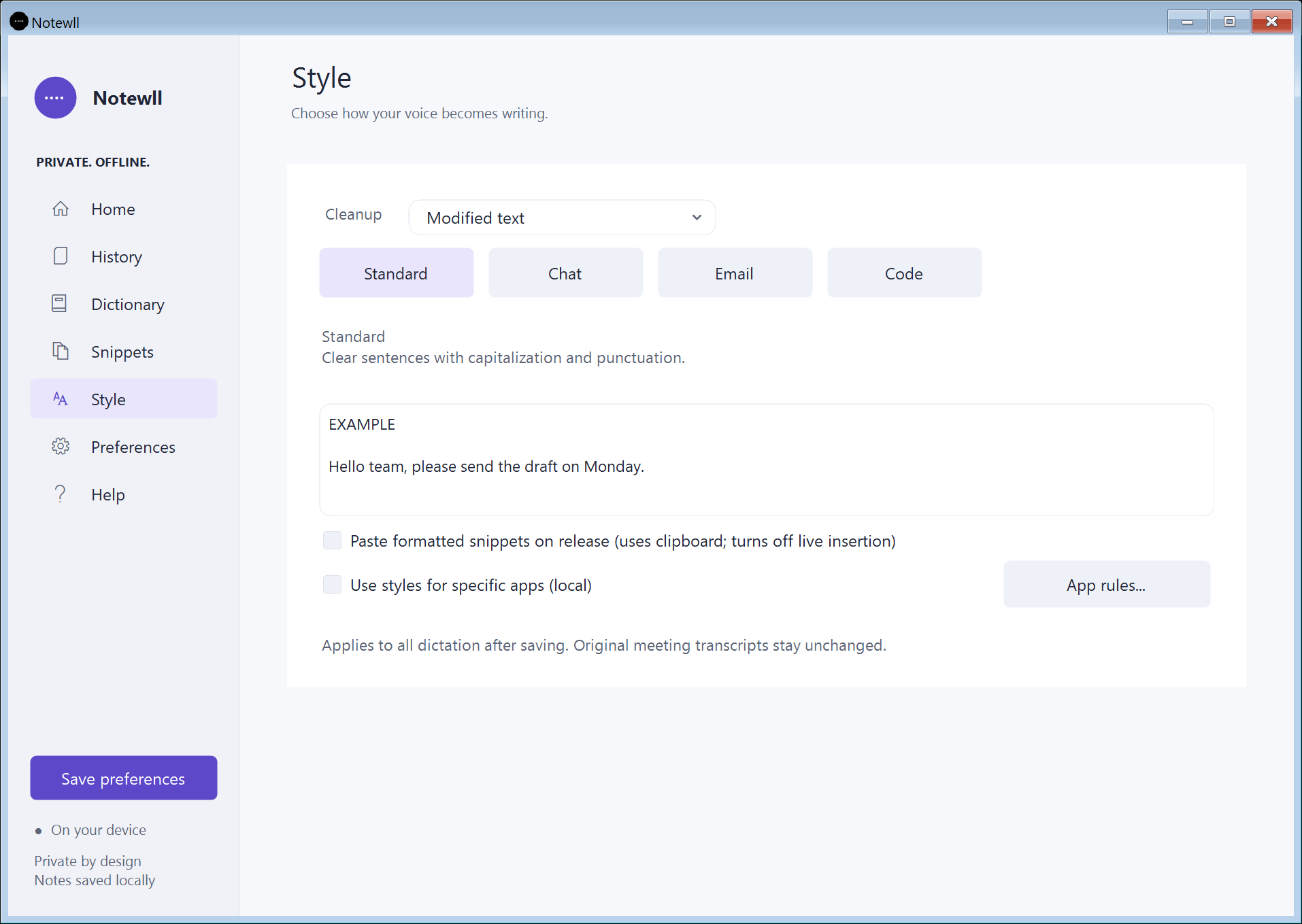
- Local writing styles
- Choose Raw text, Light cleanup or Modified text on Style. Standard, Chat, Email and Code formats and optional process-specific styles keep writing preferences together.
- Corrections you confirm
- Review a proposed short word correction before saving it. Originals are retained; corrections are not silently learned from another application.
- Formatted snippets, by choice
- Save bold, italic, bullets and URL text. Exact-trigger formatted paste is opt-in; targets may use the plain-text fallback and clipboard restoration is best effort.
- Previewed voice edits
- Use explicit local commands such as replace X with Y, uppercase and remove the last sentence, then review the result before applying it. This is not open-ended AI rewriting.
- Local calendar reminders
- Import individual timed ICS events and opt into reminders while the app runs. Recording always starts with your action. Recurring series and account synchronization are not supported.
- Optional multilingual speech
- Additional languages and auto-detection use a separately installed local Whisper base model. The standard bundled path stays offline English; multilingual quality needs real-audio acceptance.
- Safer local storage
- Atomic note saves, recovery copies and validated imports preserve committed content when a save or import fails. Startup avoids repeated history scans.
- Raw text
- Keep recognized text unchanged, including fillers and repetitions. Dictionary replacements and writing-style formatting are bypassed.
- Modified text
- Remove fillers and repeated starts with basic capitalization, punctuation and your selected writing preferences. No sentence-editing model is needed.
- Find the moment, not just the file
- Find & act connects optional local semantic retrieval to supporting transcript passages, source tracks and timestamps. It is evidence retrieval, not an open-ended chatbot. Model inference/resource acceptance for this preview remains pending.
- Action items you review
- Suggested tasks show their original statement, editable owner/date fields and a confirmation checkbox. They become tasks after review.
- Hands-free development preview
- Enroll your voice, select allowed apps and start explicitly. The app pauses on lock or microphone changes; Escape stops listening. Matching can make mistakes and physical desktop acceptance remains pending.
- Preview, redact, share
- Choose exactly what the PDF contains, exclude personal annotations and redact selected preview text. The original recording is unchanged; audio is neither included nor redacted.
- A recovery plan for your notes
- Opt into daily local snapshots while the app runs. Encrypted snapshots authenticate their contents and restore previews skip existing IDs. Encryption is tied to the Windows account/PC; ZIP supports migration.
- One file. Ready for offline English speech.
- The installer includes the Windows app, native speech runtime, English model and uninstaller. Standard installation needs no internet connection, Python, Docker, terminal commands or cloud account.
- Your voice. Your orbit.
- Drag the floating ball, release it and watch gravity, collisions and rolling friction bring it to rest. Click it to reveal an animated half-circle of readable controls.